@mosesandyami: Siem Reap 📍We saw that bar cart open at 5am when we were heading to angkor wat the next day #cambodia #budgettravel #siemreap #pubstreet #cambodianightlife #traveltok

Moses & Yami
Moses & Yami
Open In TikTok:
Region: US
Thursday 06 April 2023 15:41:28 GMT
15575
164
0
71

Music

Download

Comments

There are no more comments for this video.
To see more videos from user @mosesandyami, please go to the Tikwm homepage.

Other Videos

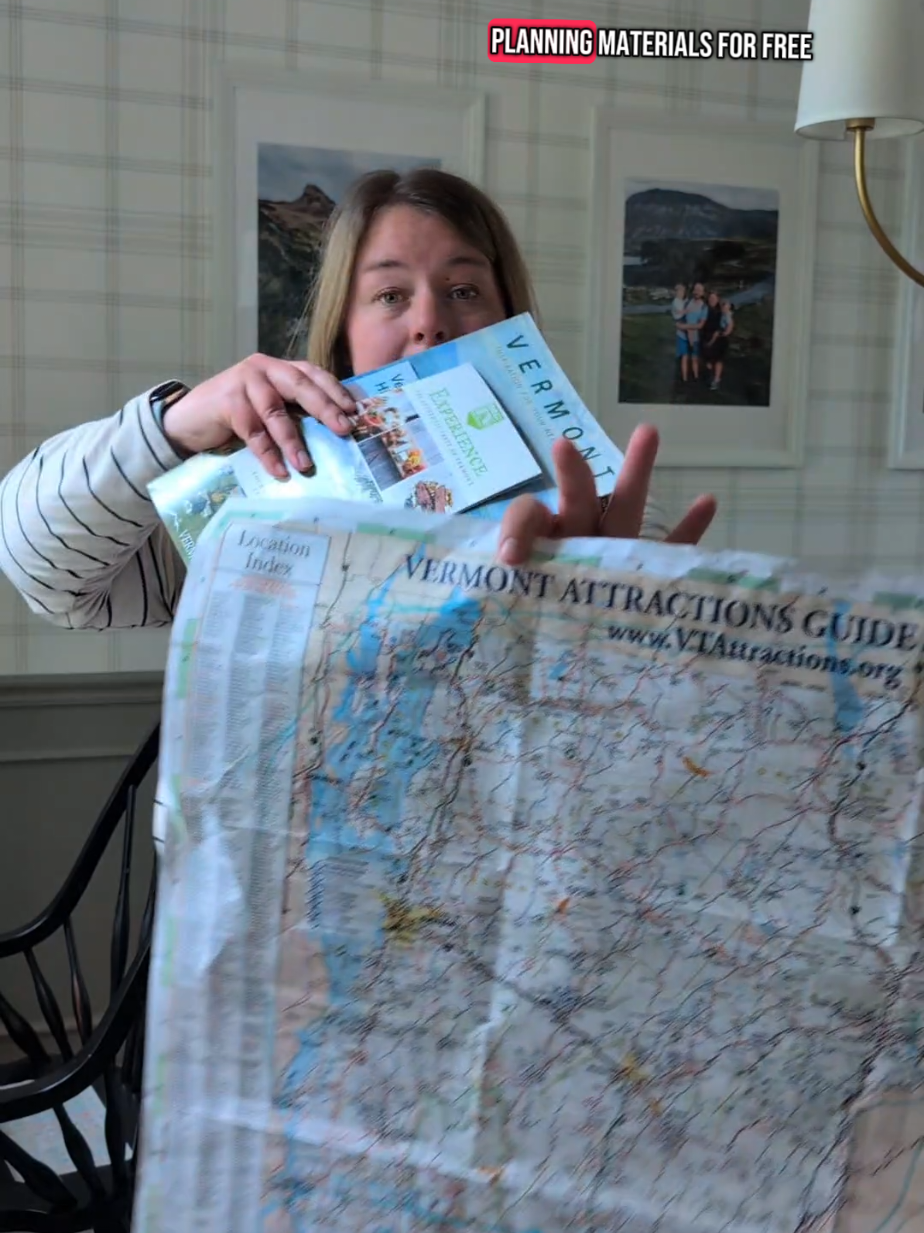
Here’s how I would adjust this activity for different ages or levels ⬇️ For younger kids or lower-level learners (scaffolding down): -Go through the state booklets ahead of time and stick on pre-labeled Post-it notes (for example, “Ben & Jerry’s 🍦” next to the corresponding activity).  Then your child can flip through the booklet and choose from the preselected options, moving the Post-its from the booklet onto the map. -Skip the official state materials and make your own picture-based planning booklet using Canva (free). Add photos of places like the Ben & Jerry’s tour, Shelburne Farms, and other landmarks. Let your child move Post-it notes from that booklet to the map, or let them cut out the pictures and glue them onto the map. -Split the big map into sections and color code or shape code each one. For example, outline the Burlington area in orange with a star, and the Upper Lakes region in blue with a heart. Then go through the travel booklet together and mark matching symbols next to the activities, making it easier for your child to pair them to the right spot. -You can combine any of these ideas to suit your learner’s needs. For older kids or higher-level learners (scaffolding up): Remove the pre-labeled Post-its and markers so they do 100 percent of the area comparison and matching between the brochures and the map. Take away the color-coded or shape-coded map sections and have them figure out for themselves how far away activities are and estimate drive times. Have them go a step further and assemble a “wish” itinerary. To give them some structure, provide an itinerary template they can fill in, like: Day 1 Breakfast: Activity 1 (with drive time) Lunch (with drive time) Afternoon activity (with drive time) #kelsewhatelse #summerkidactivities #midwestmom
Here’s how I would adjust this activity for different ages or levels ⬇️ For younger kids or lower-level learners (scaffolding down): -Go through the state booklets ahead of time and stick on pre-labeled Post-it notes (for example, “Ben & Jerry’s 🍦” next to the corresponding activity). Then your child can flip through the booklet and choose from the preselected options, moving the Post-its from the booklet onto the map. -Skip the official state materials and make your own picture-based planning booklet using Canva (free). Add photos of places like the Ben & Jerry’s tour, Shelburne Farms, and other landmarks. Let your child move Post-it notes from that booklet to the map, or let them cut out the pictures and glue them onto the map. -Split the big map into sections and color code or shape code each one. For example, outline the Burlington area in orange with a star, and the Upper Lakes region in blue with a heart. Then go through the travel booklet together and mark matching symbols next to the activities, making it easier for your child to pair them to the right spot. -You can combine any of these ideas to suit your learner’s needs. For older kids or higher-level learners (scaffolding up): Remove the pre-labeled Post-its and markers so they do 100 percent of the area comparison and matching between the brochures and the map. Take away the color-coded or shape-coded map sections and have them figure out for themselves how far away activities are and estimate drive times. Have them go a step further and assemble a “wish” itinerary. To give them some structure, provide an itinerary template they can fill in, like: Day 1 Breakfast: Activity 1 (with drive time) Lunch (with drive time) Afternoon activity (with drive time) #kelsewhatelse #summerkidactivities #midwestmom

About