@ledang08_: #fpyyyyyyyyyyyyyyyyyyyyyy

ledang.
ledang.
Open In TikTok:
Region: VN
Wednesday 27 May 2026 07:08:37 GMT
16933
2171
12
267

Music

Download

Comments

ltn.367
sói cô đơn gặp chó vô ơn :
Vũng Tàu nè😍
2026-07-01 13:46:37
0
t_h_g_09
hgấm🧚🏻‍♀️ :
hộ e với
2026-06-09 02:36:12
0
hannne_4
giahuy. :
có biết hả tar?
2026-06-20 07:59:06
1
ngochaacutephomaique
Ngọc Hà :
@vờ i vii @thduongg sớm kìa
2026-05-27 07:10:06
2
trondoibenem0688
💥 KHÔNG CẢM XÚC 💥 :
🥰🥰🥰♥️♥️♥️
2026-05-27 13:48:04
1
_.tduongg_
𝑻𝒉 𝒅𝒖𝒐𝒏𝒈 ᴥ :
@huyn_mii.17
2026-05-27 07:33:03
0
nhuu.y1809
nhy. :
@sausau166212
2026-07-01 06:55:05
0
To see more videos from user @ledang08_, please go to the Tikwm homepage.
Other Videos

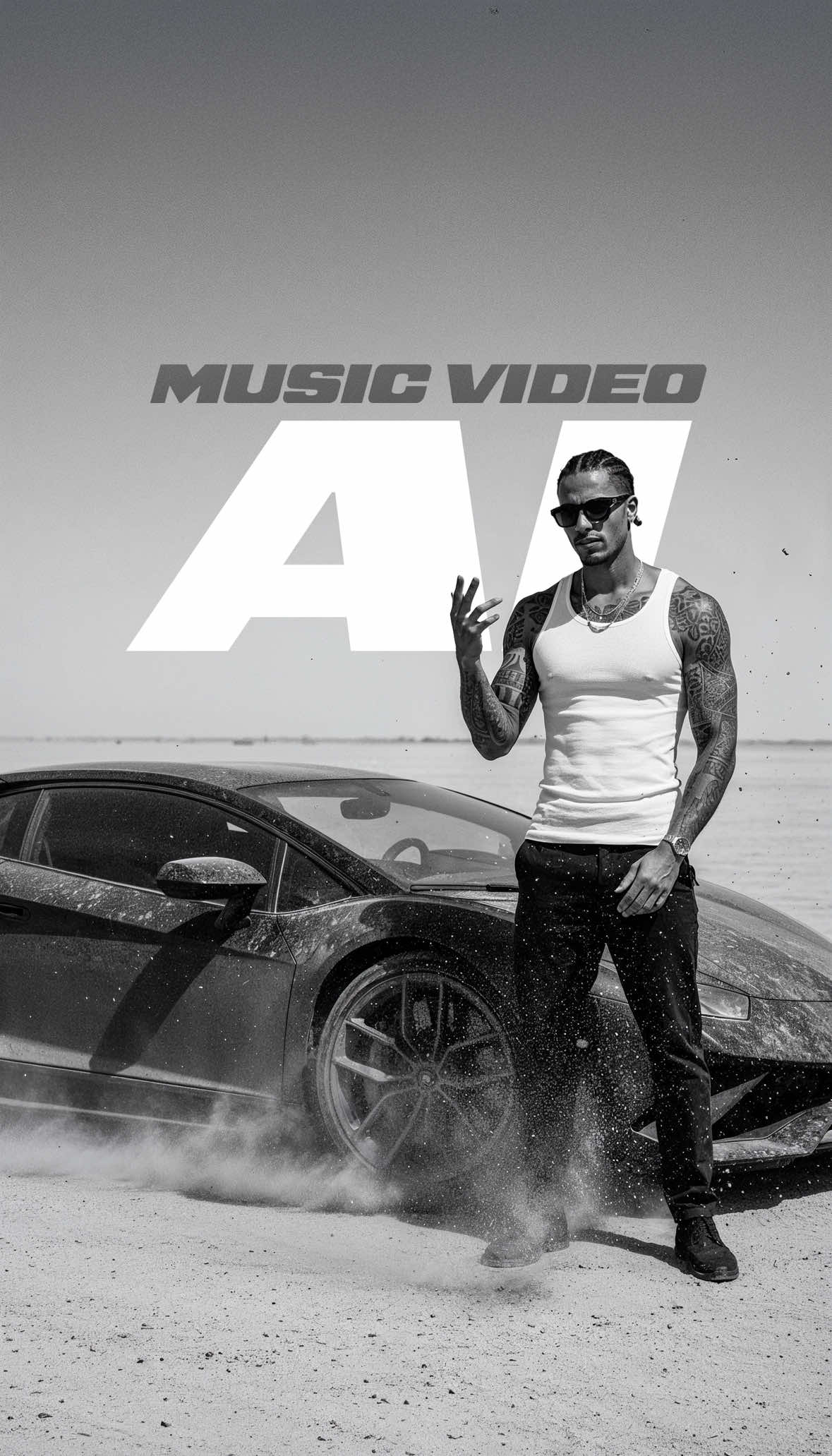
AI Workflow⚡️ Comment “AI” on Instagram and I’ll send you the tool I used to generate the images and videos, the prompts, and the full song so you can vibe to it everywhere!🔥 This one was a lot of fun. I’ve been wanting to create an AI music video for a while now, and I finally had the time to do it. And what can I say — this is insane. I created this whole music video in less than a day, fully using @freepik. It was my first time, and honestly the hardest part was just starting something I’d never done before. Here’s how I did it: 1. First, I defined how the artist should look and set the overall vibe. Since the song was also created with AI, I had to decide how I wanted my talent/rapper for the brand to look. I used Flux Pro for the character design.
 2. Once my character was locked in, I switched the look and feel to black & white. With Nano Banana, I was able to generate scene after scene while keeping my character consistent across every shot. That blew my mind. I used my first reference image for all future ones, and with the help of ChatGPT I came up with one idea after another within seconds. Since the reference image stayed the same, ChatGPT knew exactly how to match the black & white look and vibe. From there, I could throw in any idea and get a ready-to-use prompt for @freepik with Nano Banana.
 3. When I got a shot I liked, I upscaled it right inside Freepik with Magnific AI. Super quick, no need to leave the page or open another program.
 4. Next, I clicked on the upscaled image to turn it into a video. Within seconds, it opened in the video generation page, set the image as the first frame, and even auto-generated a video prompt based on the image analysis. That was a game-changer. I used Kling 2.1 for all the generations, sometimes adjusting the prompts slightly.
 5. Finally, I upscaled the videos again right inside @freepik with one click. Then I just dropped them into my editing software and cut everything to the beat.
 This project was such a blast, and I can’t wait to see what you guys create!
Let me know your thoughts down in the comments!🚀 #ai #freepik #musicvideo #editing #filmmakerslife
AI Workflow⚡️ Comment “AI” on Instagram and I’ll send you the tool I used to generate the images and videos, the prompts, and the full song so you can vibe to it everywhere!🔥 This one was a lot of fun. I’ve been wanting to create an AI music video for a while now, and I finally had the time to do it. And what can I say — this is insane. I created this whole music video in less than a day, fully using @freepik. It was my first time, and honestly the hardest part was just starting something I’d never done before. Here’s how I did it: 1. First, I defined how the artist should look and set the overall vibe. Since the song was also created with AI, I had to decide how I wanted my talent/rapper for the brand to look. I used Flux Pro for the character design.
 2. Once my character was locked in, I switched the look and feel to black & white. With Nano Banana, I was able to generate scene after scene while keeping my character consistent across every shot. That blew my mind. I used my first reference image for all future ones, and with the help of ChatGPT I came up with one idea after another within seconds. Since the reference image stayed the same, ChatGPT knew exactly how to match the black & white look and vibe. From there, I could throw in any idea and get a ready-to-use prompt for @freepik with Nano Banana.
 3. When I got a shot I liked, I upscaled it right inside Freepik with Magnific AI. Super quick, no need to leave the page or open another program.
 4. Next, I clicked on the upscaled image to turn it into a video. Within seconds, it opened in the video generation page, set the image as the first frame, and even auto-generated a video prompt based on the image analysis. That was a game-changer. I used Kling 2.1 for all the generations, sometimes adjusting the prompts slightly.
 5. Finally, I upscaled the videos again right inside @freepik with one click. Then I just dropped them into my editing software and cut everything to the beat.
 This project was such a blast, and I can’t wait to see what you guys create!
Let me know your thoughts down in the comments!🚀 #ai #freepik #musicvideo #editing #filmmakerslife

About