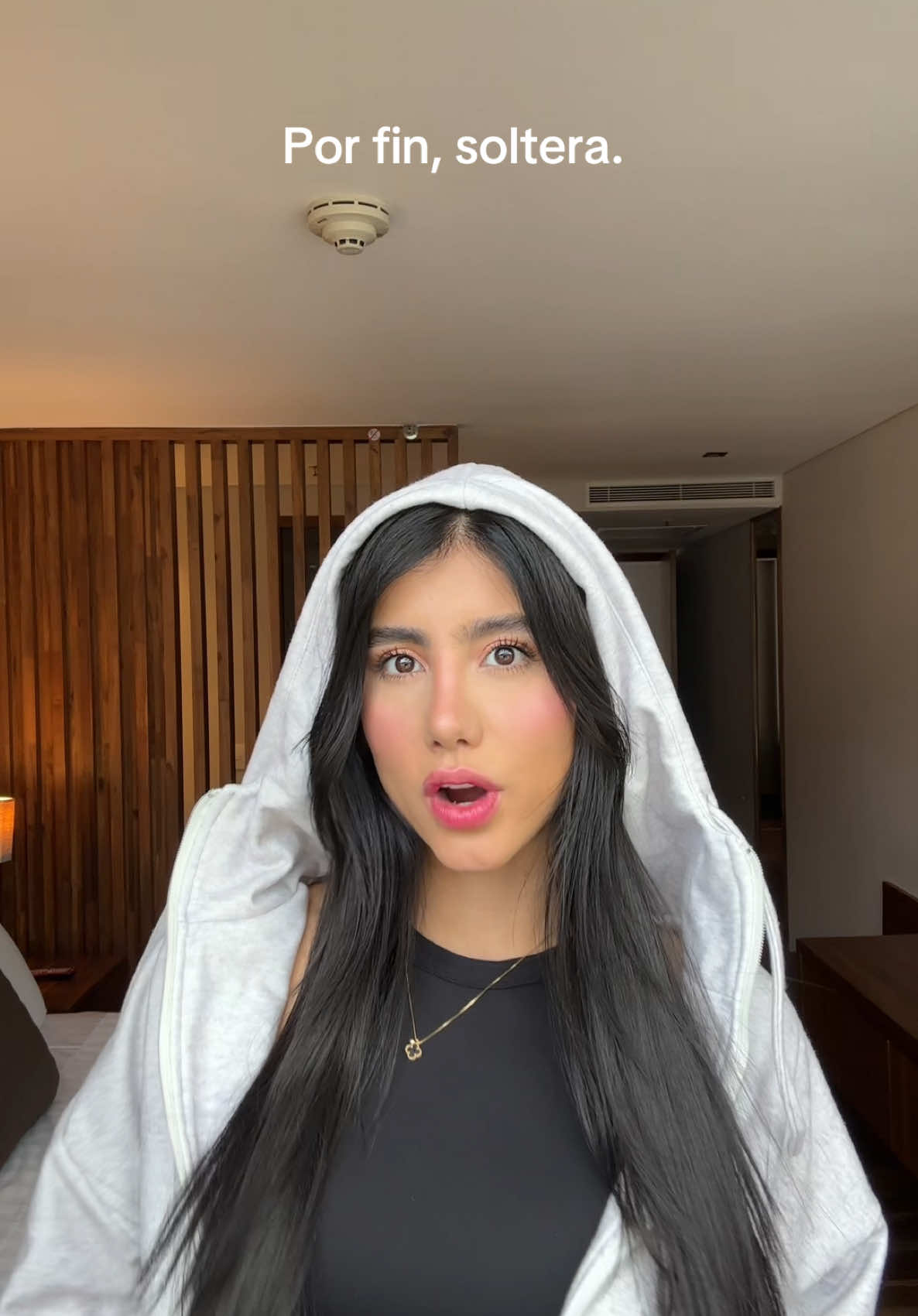
@improvebgl: Kitsch Chocolate XL Satin Heatless Curling Set - 39" Rod, 2 Scrunchies, OEKO-TEX Certified, Frizz-Free, No Heat Damage, Ideal for All Hair @Kitsch #TikTokMadeMeBuylt #DealDrops #hair #heatlesscurls #heatlesshairstyles

Laurs🤍🩷
Laurs🤍🩷
Open In TikTok:
Region: GB
Sunday 31 May 2026 17:00:00 GMT
529
8
4
0

Music

Download

Comments

kitsch
Kitsch :
Thanks for the amazing review of our Chocolate XL Satin Heatless Curling Set. So happy you're loving it
2026-05-31 18:32:38
1
lifewith_anna5
lifewith_anna5 :
Love the curling set. So awesome
2026-05-31 23:54:31
1
To see more videos from user @improvebgl, please go to the Tikwm homepage.

Other Videos

How To Create Reusable Assets! - Blender Tutorial #assetbrowser #blender #tutorial #markasasset  How To Use The Asset Browser!!  || Blender 4.2 Tutorial    🎨🖥️ 👽📺 In this tutorial I go over how to use the asset browser to be able to easily reuse object you created before! Its nice for when your creating maps and don't want to have to append objects from other projects  :D  ------------------------------------------------------------  ⦁  When your done making an object, do not exit blender before doing this one thing!!  ⦁  Select the object that you made and in the outliner, right click it and choose Mark as asset.  ⦁  Go to Edit, Preferences, file path, and click the plus icon in Asset Libraries. Locate the folder where you keep all your blender files and press
How To Create Reusable Assets! - Blender Tutorial #assetbrowser #blender #tutorial #markasasset How To Use The Asset Browser!! || Blender 4.2 Tutorial 🎨🖥️ 👽📺 In this tutorial I go over how to use the asset browser to be able to easily reuse object you created before! Its nice for when your creating maps and don't want to have to append objects from other projects :D ------------------------------------------------------------ ⦁ When your done making an object, do not exit blender before doing this one thing!! ⦁ Select the object that you made and in the outliner, right click it and choose Mark as asset. ⦁ Go to Edit, Preferences, file path, and click the plus icon in Asset Libraries. Locate the folder where you keep all your blender files and press "Add Asset Library". ⦁ Make sure to press "Save Preferences" so you don't have to do that again. ⦁ Then go into the Asset Browser and select your Folder. ⦁ Now you can just easily drag that object into your scene materials and all!! ⦁ If you have multiple objects that you want to convert to an asset, just select all the objects and press M to add to new collection. ⦁ Then, right click that collection and press Mark as Asset like before. ⦁ If you bring a collection asset into another scene, it won't let you edit it, so just press F3, make instances real and there you have it!!! Subscribe for more blender tips like this one!! ------------------------------------------- If you need help with any step, I'll be happy to guide you through any problems :D --------------------------------------------------------- Stay Tuned for "Open Universe Royale," a multiplayer alien shooter VR game I'm developing with my twin brother, Inked Alien. Dev Logs Coming Soon!!! ➕Open Universe Royale || VR Game: 👽🛸👾🎮 www.instagram.com/open.universe.royale.vr/ #3d #3dart #3danimation #blendertutorial #music #rendering #sculpting #art #shakiiART #blender #animation #foryoupage #fyp #viraltutorial #memes #cinematic #render #cinematicrender #davinciresolve #quicktutorial #virtualreality #vr #avatar #lighting #addon #blenderaddon #vfx #cgi #3dmodeling #reusable #assetbrowser #reusableassets #tablas #trophy #3dscene #blendertips

About