@renkim5u: دَعمي مو دَعم بنَوتة بتدخَل 30k🤏🏻🤍 #viralvideo #viralvideo #fyp #foryoupage #عالم_الفيك @TikTok

᪤𝇂𝇄ִ ׄ•🅷⃛𝗮͜͡𝗻ׅ𝗻𝗶ׅ𓍢ִ໋🩶
Open In TikTok:
Region: IQ
Saturday 27 June 2026 19:37:20 GMT
1941
300
13
117

Music

Download

Comments

6lio.li
رهـفَ☀. :
الدعم يبكي😣،.
2026-06-27 20:53:35
3
mnl.lo
- 𝗠̸̲r𝘀́ : 𝗠ā𝗡َ𝗮𝗟 .• :
انا زعلانه على دعمك اكثر من اي احد😭🌷
2026-06-27 20:23:38
2
ra_elis_17
⌗ 𝑹⵿͠𝖺𝗅𝖾𝗌꫶ׁׅ🐰 ᷒ᰰ ̼ :
ابداعع يعيونني+معليك منه بس استمري💛.،
2026-06-27 19:54:51
1
runk_02
𓏺 Tú⎯ ࣪ 𝘓𝘶𝘤𝘪𝘢 . :
هنوشش بإذن الله دعمك يرجع ويتعدل فما تحزني ياروحيي 🥹🩶✋🏻
2026-06-27 22:36:15
1
suisoovv
꒰ sunbaeiz ꒱ 𓏼 :
مِن كثر صدق الفيديو مَقدر امشي
2026-06-27 20:25:20
1

w_on_ni
ᯓ𝐇𝐚𝐧𝐧𝐚𝐡ヤ :
كلنا☹️
2026-06-27 19:43:33
1
fa_m3811
~Ŗi𝖋ⓜa̶^ :
ما شاء الله جودتك تجنن🤏🏻🥹💕
2026-06-28 05:01:55
0

my_dolls72
░⃟ꭑ⵿ּ᪲ɑׅ𝆬𝗹ּιᩧׁƙׁׅ𖹭ׅ 🎼 ᩚ̫ :
يارَب يتعدل
2026-06-28 06:25:42
0
fan_bm_bp_en
- Fatima 🦋. :
ثاني
2026-06-27 19:40:40
0
To see more videos from user @renkim5u, please go to the Tikwm homepage.

Other Videos

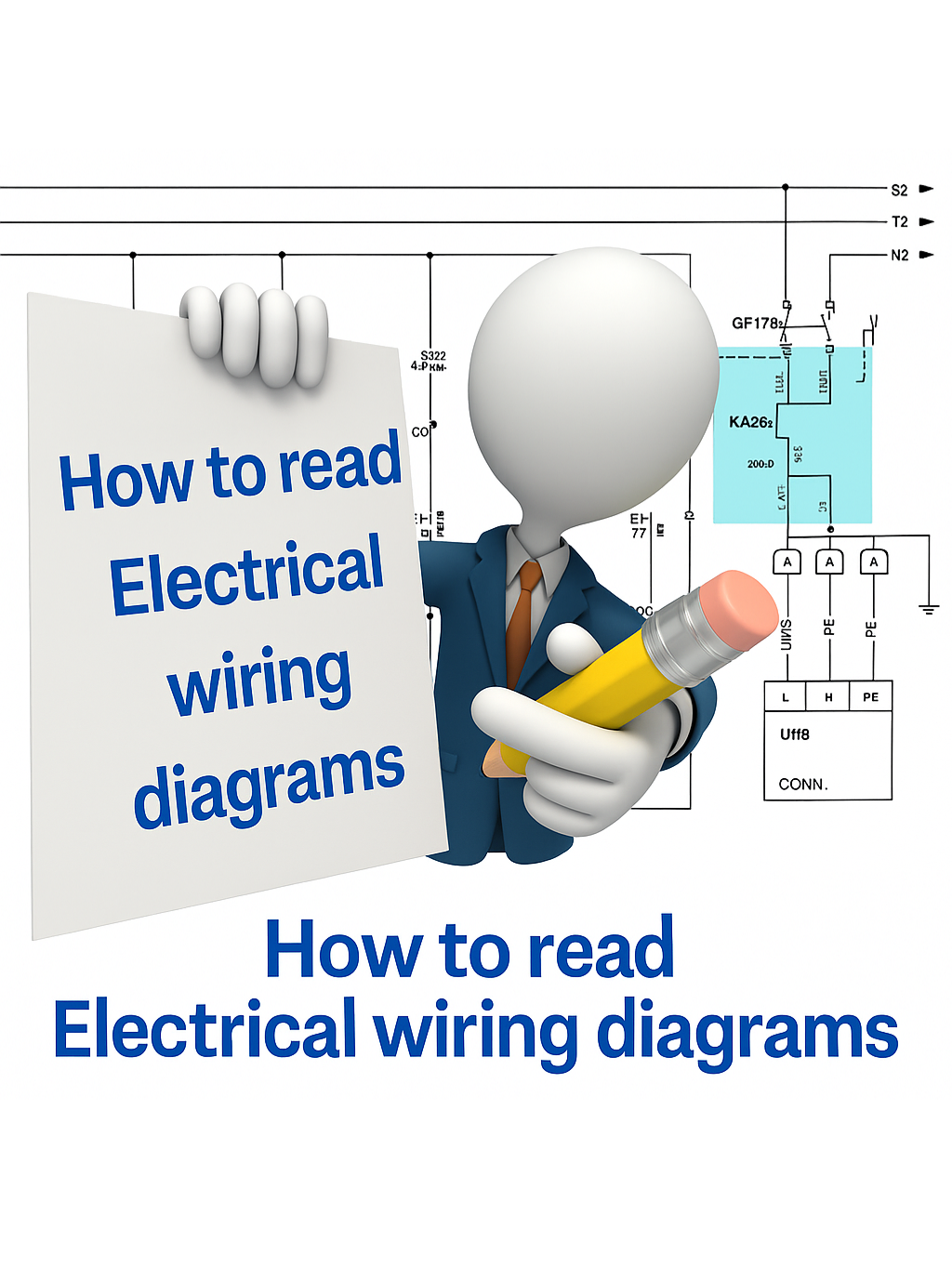
How to Read Electrical Wiring Diagram of a Control Panel ?  When you’re looking for a motor (e.g., MTR-101) inside a large electrical diagram, it can feel like searching for a needle in a haystack. But diagrams are designed with a navigation system to make it easier: ✅ 1. Use the Motor Tag Every motor has a unique ID or tag (like M1, MTR-101, or P-201). This tag will appear in the power circuit (showing the motor connection) and in the control circuit (showing how the motor is started/stopped). ✅ 2. Follow Cross-References Next to the motor symbol or its contactor coil, you’ll usually see a reference like “See Pg. 4, B5”. Pg. 4 → the page number. B5 → the location on that page (column B, row 5). This tells you exactly where to continue reading. ✅ 3. Columns & Rows on a Page Each page of a diagram is divided into a grid (like an Excel sheet): Rows → numbers (1, 2, 3, …) Columns → letters (A, B, C, …) So if a symbol says “C3”, you go to column C, row 3 of that page to find the next related symbol. ✅ 4. Example Motor M1 shown on Page 2, cell A4. Its contactor coil shown on Page 5, cell D7. The reference note on Page 2 will say → “→ Pg. 5, D7”. This way you can quickly jump across pages and follow the full motor circuit without confusion. 📌 In short: Motor tag = identity card of the motor. Cross-reference = address of where to find its other parts. Page grids = map to navigate the diagram. 🔖 Hashtags #ElectricalEngineering #MotorControl #IndustrialAutomation #ControlPanels #ElectricalDesign #EngineeringTips #PanelWiring #Troubleshooting #PLC #Maintenance
How to Read Electrical Wiring Diagram of a Control Panel ? When you’re looking for a motor (e.g., MTR-101) inside a large electrical diagram, it can feel like searching for a needle in a haystack. But diagrams are designed with a navigation system to make it easier: ✅ 1. Use the Motor Tag Every motor has a unique ID or tag (like M1, MTR-101, or P-201). This tag will appear in the power circuit (showing the motor connection) and in the control circuit (showing how the motor is started/stopped). ✅ 2. Follow Cross-References Next to the motor symbol or its contactor coil, you’ll usually see a reference like “See Pg. 4, B5”. Pg. 4 → the page number. B5 → the location on that page (column B, row 5). This tells you exactly where to continue reading. ✅ 3. Columns & Rows on a Page Each page of a diagram is divided into a grid (like an Excel sheet): Rows → numbers (1, 2, 3, …) Columns → letters (A, B, C, …) So if a symbol says “C3”, you go to column C, row 3 of that page to find the next related symbol. ✅ 4. Example Motor M1 shown on Page 2, cell A4. Its contactor coil shown on Page 5, cell D7. The reference note on Page 2 will say → “→ Pg. 5, D7”. This way you can quickly jump across pages and follow the full motor circuit without confusion. 📌 In short: Motor tag = identity card of the motor. Cross-reference = address of where to find its other parts. Page grids = map to navigate the diagram. 🔖 Hashtags #ElectricalEngineering #MotorControl #IndustrialAutomation #ControlPanels #ElectricalDesign #EngineeringTips #PanelWiring #Troubleshooting #PLC #Maintenance

About