@katarinavidd: It should be illegal for a dress to be this beautiful #houseofcb #butteryellow #viraldress #elegantdress #elegantstyle

katarinavidd
katarinavidd
Open In TikTok:
Region: SI
Wednesday 12 August 2026 14:08:36 GMT
4432
288
4
13

Music

Download

Comments

lillie5589
lillie5589 :
where did you buy this beautiful dress
2026-08-13 11:46:06
0
flor_eoe
Flor EOE :
amo
2026-08-13 18:46:56
0
sarairovtar
Sarai :
❤️❤️❤️
2026-08-12 18:29:57
0
rajhaard
rajhaard :
🥰🥰🥰
2026-08-13 08:11:07
0
To see more videos from user @katarinavidd, please go to the Tikwm homepage.

Other Videos

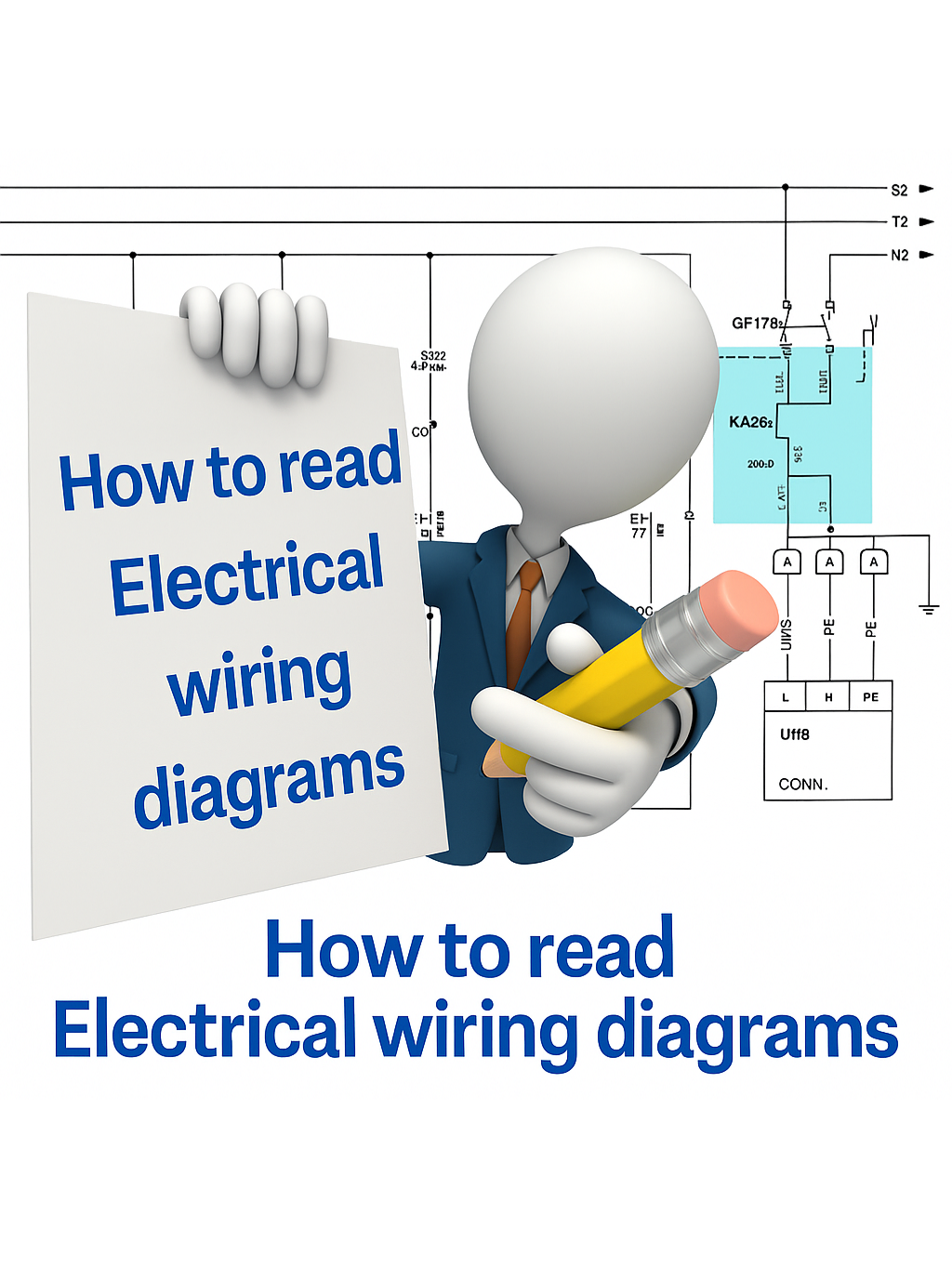
How to Read Electrical Wiring Diagram of a Control Panel ?  When you’re looking for a motor (e.g., MTR-101) inside a large electrical diagram, it can feel like searching for a needle in a haystack. But diagrams are designed with a navigation system to make it easier: ✅ 1. Use the Motor Tag Every motor has a unique ID or tag (like M1, MTR-101, or P-201). This tag will appear in the power circuit (showing the motor connection) and in the control circuit (showing how the motor is started/stopped). ✅ 2. Follow Cross-References Next to the motor symbol or its contactor coil, you’ll usually see a reference like “See Pg. 4, B5”. Pg. 4 → the page number. B5 → the location on that page (column B, row 5). This tells you exactly where to continue reading. ✅ 3. Columns & Rows on a Page Each page of a diagram is divided into a grid (like an Excel sheet): Rows → numbers (1, 2, 3, …) Columns → letters (A, B, C, …) So if a symbol says “C3”, you go to column C, row 3 of that page to find the next related symbol. ✅ 4. Example Motor M1 shown on Page 2, cell A4. Its contactor coil shown on Page 5, cell D7. The reference note on Page 2 will say → “→ Pg. 5, D7”. This way you can quickly jump across pages and follow the full motor circuit without confusion. 📌 In short: Motor tag = identity card of the motor. Cross-reference = address of where to find its other parts. Page grids = map to navigate the diagram. 🔖 Hashtags #ElectricalEngineering #MotorControl #IndustrialAutomation #ControlPanels #ElectricalDesign #EngineeringTips #PanelWiring #Troubleshooting #PLC #Maintenance
How to Read Electrical Wiring Diagram of a Control Panel ? When you’re looking for a motor (e.g., MTR-101) inside a large electrical diagram, it can feel like searching for a needle in a haystack. But diagrams are designed with a navigation system to make it easier: ✅ 1. Use the Motor Tag Every motor has a unique ID or tag (like M1, MTR-101, or P-201). This tag will appear in the power circuit (showing the motor connection) and in the control circuit (showing how the motor is started/stopped). ✅ 2. Follow Cross-References Next to the motor symbol or its contactor coil, you’ll usually see a reference like “See Pg. 4, B5”. Pg. 4 → the page number. B5 → the location on that page (column B, row 5). This tells you exactly where to continue reading. ✅ 3. Columns & Rows on a Page Each page of a diagram is divided into a grid (like an Excel sheet): Rows → numbers (1, 2, 3, …) Columns → letters (A, B, C, …) So if a symbol says “C3”, you go to column C, row 3 of that page to find the next related symbol. ✅ 4. Example Motor M1 shown on Page 2, cell A4. Its contactor coil shown on Page 5, cell D7. The reference note on Page 2 will say → “→ Pg. 5, D7”. This way you can quickly jump across pages and follow the full motor circuit without confusion. 📌 In short: Motor tag = identity card of the motor. Cross-reference = address of where to find its other parts. Page grids = map to navigate the diagram. 🔖 Hashtags #ElectricalEngineering #MotorControl #IndustrialAutomation #ControlPanels #ElectricalDesign #EngineeringTips #PanelWiring #Troubleshooting #PLC #Maintenance

About