@lamah451: Dubauney voh.😅😂😂@喇嘛先生 @वङ्स्यु लामा❣️

ཡཤ་མན་ཏ་མང་།
ཡཤ་མན་ཏ་མང་།
Open In TikTok:
Region: NP
Thursday 24 September 2026 10:18:54 GMT
19049
1032
63
126

Music

Download

Comments

sunil.tamang7131
Sunil Tamang :
Mero ta 1 barsa vai sakyo aile samma kei vako xaina [Heartwarming]
2026-10-11 01:29:12
1
si.zu02
🧃 :
Sme xah yrr..🥲
2026-09-29 06:50:44
4
mrstmgni00
^<•Aakansha Didi•>^❤️‍🔥👻 :
Aamama Kati derai euta malai ni dinu ta 😅
2026-09-28 15:35:33
2
wateyy___
KALEY🖤 :
Hamro tw 100 ko le ni majale chaliraxa tw
2026-10-12 09:58:07
1
june20th60
Goma🦋 :
3 otha tauko wala ta 3 otha po vaisakiyo ta ma sag😂
2026-10-11 13:11:39
1
aarushimgrxx
A :
1 hapta Lai ne tikdaina mero ta😂😂
2026-09-27 14:50:11
1

prashanttamang977
Bye bye 👋 :
Ma ta i pho mai boldina week week mai begrenxa tait
2026-10-11 16:02:20
1
smritiqueen60
Smriti💕 :
Ma sanga ta 5 6 Wotan cabl xa houu😂
2026-10-10 06:35:43
1
limbu.lidus
SUDIL LIMBU🇲🇾🇳🇵 :
ho yar
2026-10-08 01:18:27
1
rekmantmz0
Goreyy_07 :
kata kata charger free ma payeko jastai Pani garxa feri 😂😁
2026-09-25 13:26:57
2
raru4685
RaईनिRu🧚‍♀️ :
5 years complete vayo tara autai charger 🔌 nagereko 🙋‍♀️😅🤭
2026-10-03 09:52:38
1
asmitabhandari234
Asmita📿🪷 :
Runa man lagxa
2026-10-01 10:50:41
1
junu.12342
Sanii🎀💗🦋 :
Problem same😅😣
2026-09-30 02:35:00
1
thupchen_lama
AAREY SALA😅 :
Kata kata android phone bokera iPhone ko charger dekhayeko jastoni garxa feri😂😂
2026-09-25 04:31:52
1
anup.chy691
Anup Chy :
Tension hunxha hoo 🤦
2026-10-11 15:57:38
1
godlama11
वङ्स्यु लामा❣️ :
Kata kata Iphone ley bikari vanaula jasto nih garxa😁😁
2026-09-24 14:48:03
1
akash_.tamang346
AAKASH TAMANG :
Problem same😆
2026-09-24 12:39:21
1
shanti.ghalan66
Shanti Ghalan :
Sem🥺
2026-10-11 07:45:23
1

toxic_angle2063
B🚩 :
Hoo 😭
2026-10-11 07:55:52
1
saroj.donn
Mr•Thapa🦅 :
Aaba i phone bechera android kina parla jasto manexuu yesko charger kineyy paisa le tahh aaile samma aarko phone kinthiye yr😭
2026-10-10 10:49:53
0
induo.magar
B_🐉 :
Ma tw marchu gasto laxa 😂
2026-10-01 10:48:12
1
saroj.donn
Mr•Thapa🦅 :
Mero 2 hapta ma 3 tahh bigrihalxa😂😭
2026-10-10 10:48:30
0
fake__smile137
🦋🕉️ :
Same xa yr😅🙃
2026-09-30 03:47:56
1
deepikaontop
Zie🫧🪬 :
Aw vneko runa man lagxa 400,500 saya parne vyeni vnu 2k3k vnxa ramro khojesi😂
2026-09-27 15:58:46
1
To see more videos from user @lamah451, please go to the Tikwm homepage.

Other Videos

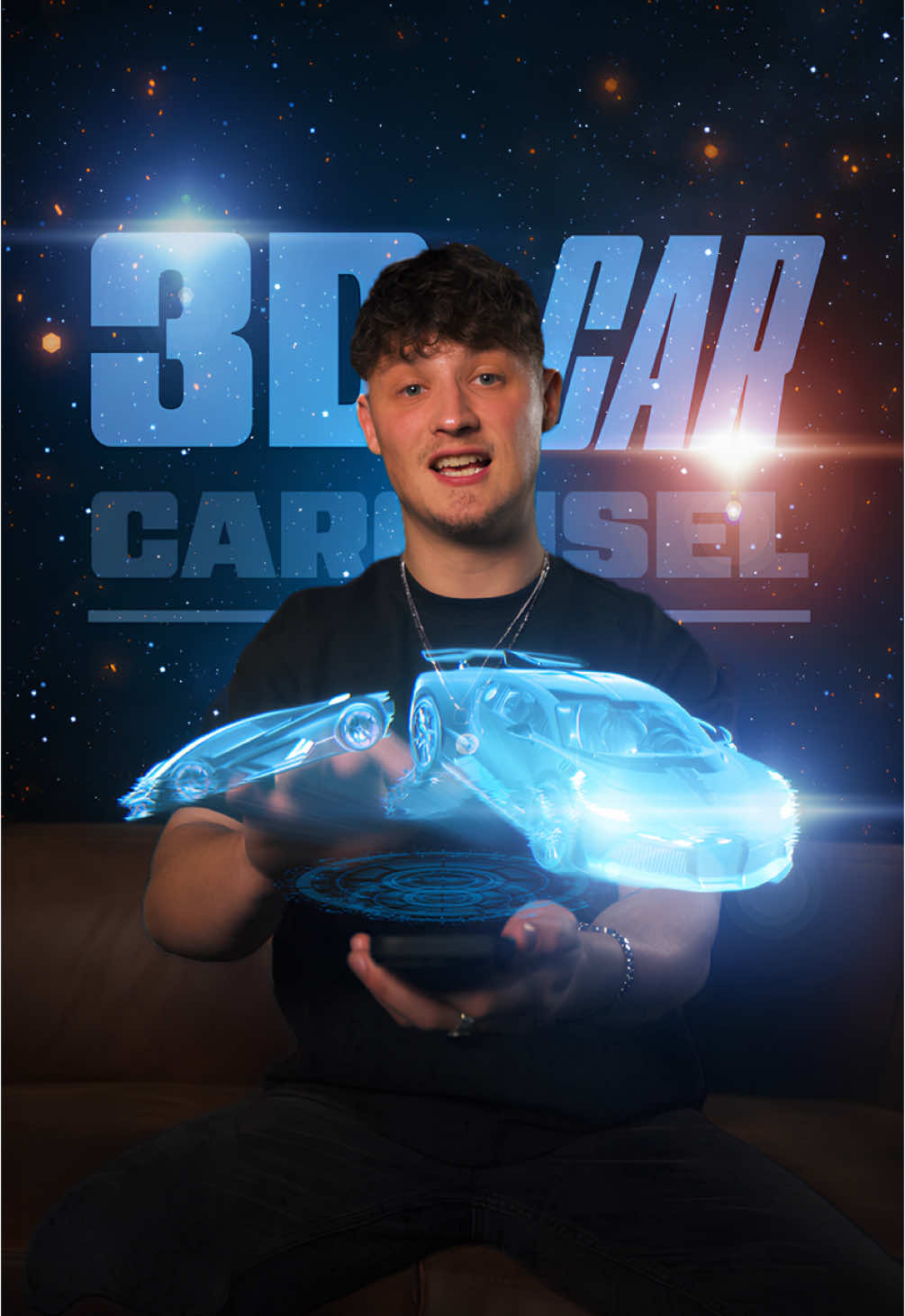
Create the 3D Car Carousel! 🔥 Step by Step: 1. Open a new project in After Effects. 2. Import your footage and track your hand movement with the Motion Tracker. 3. Create a Null Object and apply the tracking data. 4. Create another Null Object, make it a 3D layer, and parent it to the tracking Null Object. 5. Search online for 3D car models in .glb format, download them, and import them into After Effects. 6. Drag the models into your composition and switch the Render Mode to Advanced. 7. Adjust the positions and rotations of the cars and ensure they all have the same size and orientation. 8. Divide 360° by the number of cars (e.g., if you have 4 cars: 360 ÷ 4 = 90°). 9. Parent the first car to the Rotation Null, then set the Y Rotation on the Null to 90°. 10. Parent the second car to the same Null and set Y Rotation to 180°. 11. Repeat for the other cars. 12. Now, animate the carousel by creating keyframes and adjusting the scale, rotation, and position of the Null Object. 13. Solo the car layers and export them with a transparent background. 14. Re-import the exported clip. 15. Now, get creative – use blending modes, add effects like Glow or Hologram for a futuristic look. 16. Finally, add UI elements for the best result! Try it out now and let me know what you think!🚀 3D Models used in this tutorial:
Porsche 911 Carrera S by chiwei
Bugatti Divo by Ddiaz Design
Lamborghini Ferzor by SINNIK
Mercedes AMG GT3 Evo 2020 by vecarz
Modified Lamborghini Urus by BRO
(Models licensed under Creative Commons Attribution (CC BY) from Sketchfab) #CommunityXAdobe #adobepartner #keanuvisuals #editing #editingtutorial #aftereffects #adobe #filmmaking #filmmakersworld #filmmakerslife #tutorial #editingskills #visualeffects 
Create the 3D Car Carousel! 🔥 Step by Step: 1. Open a new project in After Effects. 2. Import your footage and track your hand movement with the Motion Tracker. 3. Create a Null Object and apply the tracking data. 4. Create another Null Object, make it a 3D layer, and parent it to the tracking Null Object. 5. Search online for 3D car models in .glb format, download them, and import them into After Effects. 6. Drag the models into your composition and switch the Render Mode to Advanced. 7. Adjust the positions and rotations of the cars and ensure they all have the same size and orientation. 8. Divide 360° by the number of cars (e.g., if you have 4 cars: 360 ÷ 4 = 90°). 9. Parent the first car to the Rotation Null, then set the Y Rotation on the Null to 90°. 10. Parent the second car to the same Null and set Y Rotation to 180°. 11. Repeat for the other cars. 12. Now, animate the carousel by creating keyframes and adjusting the scale, rotation, and position of the Null Object. 13. Solo the car layers and export them with a transparent background. 14. Re-import the exported clip. 15. Now, get creative – use blending modes, add effects like Glow or Hologram for a futuristic look. 16. Finally, add UI elements for the best result! Try it out now and let me know what you think!🚀 3D Models used in this tutorial:
Porsche 911 Carrera S by chiwei
Bugatti Divo by Ddiaz Design
Lamborghini Ferzor by SINNIK
Mercedes AMG GT3 Evo 2020 by vecarz
Modified Lamborghini Urus by BRO
(Models licensed under Creative Commons Attribution (CC BY) from Sketchfab) #CommunityXAdobe #adobepartner #keanuvisuals #editing #editingtutorial #aftereffects #adobe #filmmaking #filmmakersworld #filmmakerslife #tutorial #editingskills #visualeffects 

About