@kimruii10: A little walk during filming because the weather is so nice,, 🙈

🦭루이_Rui💧
🦭루이_Rui💧
Open In TikTok:
Region: KR
Monday 12 October 2026 13:10:03 GMT
19561
2430
177
17

Music

Download

Comments

justkylielegacy
LUNA LEGACY :
👀👀👀 (THEY'RE JUST TROPA)
2026-10-12 13:45:41
59

wooty356
🌙kyrui 🦭 :
yes i want you🤭🤭
2026-10-12 13:50:35
33
_anissa5
☆_ChuaV_🦭💧🌙🌝🖤 :
kinilig ako sa song🤣
2026-10-12 13:58:31
5
rktropa
rktropa :
yung kilig ko sa kanta. 🤭😂
2026-10-12 13:25:31
8
ms.divers
𝓜𝓼.𝓓𝓲𝓿𝓮𝓻𝓼𝓲𝓽𝔂 :
dna kelangan iedit ginamit n nya ung song e 🫣[Heart eyes]
2026-10-12 13:26:45
11
grena24
AERISH :
You look like paulo avelino ( Filipino actor)
2026-10-12 15:36:42
0
vorge02
vorge02 :
tropapips... ahhhccckkk🤭
2026-10-12 13:13:35
2
sidrah163
Sidrah 163 🎧🌳 🦭💧 :
The weather is absolutely lovely, you look great as always Rui ❤️
2026-10-12 14:09:41
2
trendcart168
Itsjonah :
the song though 😊
2026-10-12 13:29:34
6
barry.botbot.ging
Barry Botbot Ginger :
Aladin and Jasmine
2026-10-12 14:17:43
0
rosera117
rosera1003🌬️🌙🧀🌬️ :
ka tropa[Heartwarming][Heartwarming]
2026-10-12 13:46:42
2
parkjimae23
❨❨mae☽☽🦭 :
love this song tropa😳👀🥹
2026-10-12 13:58:19
3
aachilles25
🦭💧Atheena🌛🧜 :
2026-10-12 13:48:07
4
rimajociangaradon
JJ ADONIS ONLINE SHOP :
pogi ni tropa
2026-10-12 13:16:50
6
_prplblma
🌊엠제이 | 𝐌𝐉ᥫ᭡🐬 :
Hi Dude!🦭💙🫶✨
2026-10-12 13:59:11
3
key01041991
𝐊𝐄𝐘 :
2026-10-12 13:21:07
3
jenny.bhi.wheels
Luna syndicate 🌙 :
why so gwapo tropa?
2026-10-12 14:03:47
5
lovemielikeyou14
Arahh_s&m :
na para bang? 🤭💙
2026-10-12 13:46:42
3
justkylielegacy
LUNA LEGACY :
THE SONGGGG OMGGGG
2026-10-12 13:45:54
25
graciemorales263
🇵🇭🦜👑Queen2.0👑🦜🇸🇦 :
Tropppaaaaaaaa😻😻😻😻😻😻😻😻😻😻😻😻😻😻😻😻😻😻😻😻😻
2026-10-12 14:55:25
2
evamayesparrago
Sabby :
Ang GWAPO ni TROPA 😊
2026-10-12 13:58:08
2
justyang17
🐦‍🔥🍝yangg🍝🐦‍🔥 :
wow 😳 handsome tropa😑
2026-10-12 14:04:05
4
theonlyonemoonn
🔐🦭SMILE MOON🌬️🔐 :
Sa likod ang pila oops sisingit ka?......😁 ang wafooo ..
2026-10-12 14:03:45
4
mylenejancilan18
🦭mj Rabago🦭🇵🇭🇵🇸 :
Ang gwapo nman ng tropa namin😍😍
2026-10-12 13:53:34
1
sally22735
Sally... :
kay tropa yata ung song😍
2026-10-12 13:48:36
2
To see more videos from user @kimruii10, please go to the Tikwm homepage.

Other Videos

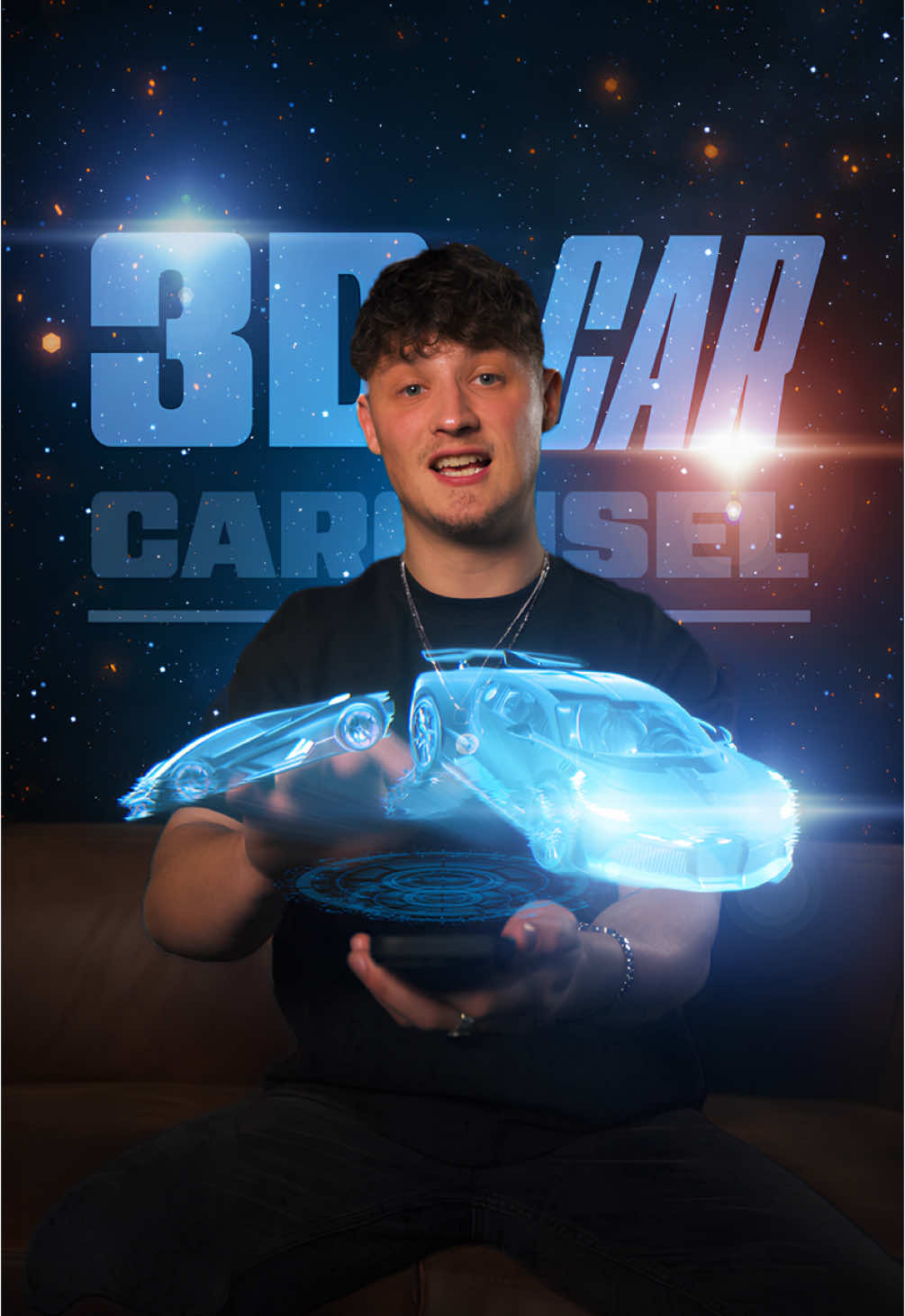
Create the 3D Car Carousel! 🔥 Step by Step: 1. Open a new project in After Effects. 2. Import your footage and track your hand movement with the Motion Tracker. 3. Create a Null Object and apply the tracking data. 4. Create another Null Object, make it a 3D layer, and parent it to the tracking Null Object. 5. Search online for 3D car models in .glb format, download them, and import them into After Effects. 6. Drag the models into your composition and switch the Render Mode to Advanced. 7. Adjust the positions and rotations of the cars and ensure they all have the same size and orientation. 8. Divide 360° by the number of cars (e.g., if you have 4 cars: 360 ÷ 4 = 90°). 9. Parent the first car to the Rotation Null, then set the Y Rotation on the Null to 90°. 10. Parent the second car to the same Null and set Y Rotation to 180°. 11. Repeat for the other cars. 12. Now, animate the carousel by creating keyframes and adjusting the scale, rotation, and position of the Null Object. 13. Solo the car layers and export them with a transparent background. 14. Re-import the exported clip. 15. Now, get creative – use blending modes, add effects like Glow or Hologram for a futuristic look. 16. Finally, add UI elements for the best result! Try it out now and let me know what you think!🚀 3D Models used in this tutorial:
Porsche 911 Carrera S by chiwei
Bugatti Divo by Ddiaz Design
Lamborghini Ferzor by SINNIK
Mercedes AMG GT3 Evo 2020 by vecarz
Modified Lamborghini Urus by BRO
(Models licensed under Creative Commons Attribution (CC BY) from Sketchfab) #CommunityXAdobe #adobepartner #keanuvisuals #editing #editingtutorial #aftereffects #adobe #filmmaking #filmmakersworld #filmmakerslife #tutorial #editingskills #visualeffects 
Create the 3D Car Carousel! 🔥 Step by Step: 1. Open a new project in After Effects. 2. Import your footage and track your hand movement with the Motion Tracker. 3. Create a Null Object and apply the tracking data. 4. Create another Null Object, make it a 3D layer, and parent it to the tracking Null Object. 5. Search online for 3D car models in .glb format, download them, and import them into After Effects. 6. Drag the models into your composition and switch the Render Mode to Advanced. 7. Adjust the positions and rotations of the cars and ensure they all have the same size and orientation. 8. Divide 360° by the number of cars (e.g., if you have 4 cars: 360 ÷ 4 = 90°). 9. Parent the first car to the Rotation Null, then set the Y Rotation on the Null to 90°. 10. Parent the second car to the same Null and set Y Rotation to 180°. 11. Repeat for the other cars. 12. Now, animate the carousel by creating keyframes and adjusting the scale, rotation, and position of the Null Object. 13. Solo the car layers and export them with a transparent background. 14. Re-import the exported clip. 15. Now, get creative – use blending modes, add effects like Glow or Hologram for a futuristic look. 16. Finally, add UI elements for the best result! Try it out now and let me know what you think!🚀 3D Models used in this tutorial:
Porsche 911 Carrera S by chiwei
Bugatti Divo by Ddiaz Design
Lamborghini Ferzor by SINNIK
Mercedes AMG GT3 Evo 2020 by vecarz
Modified Lamborghini Urus by BRO
(Models licensed under Creative Commons Attribution (CC BY) from Sketchfab) #CommunityXAdobe #adobepartner #keanuvisuals #editing #editingtutorial #aftereffects #adobe #filmmaking #filmmakersworld #filmmakerslife #tutorial #editingskills #visualeffects 

About