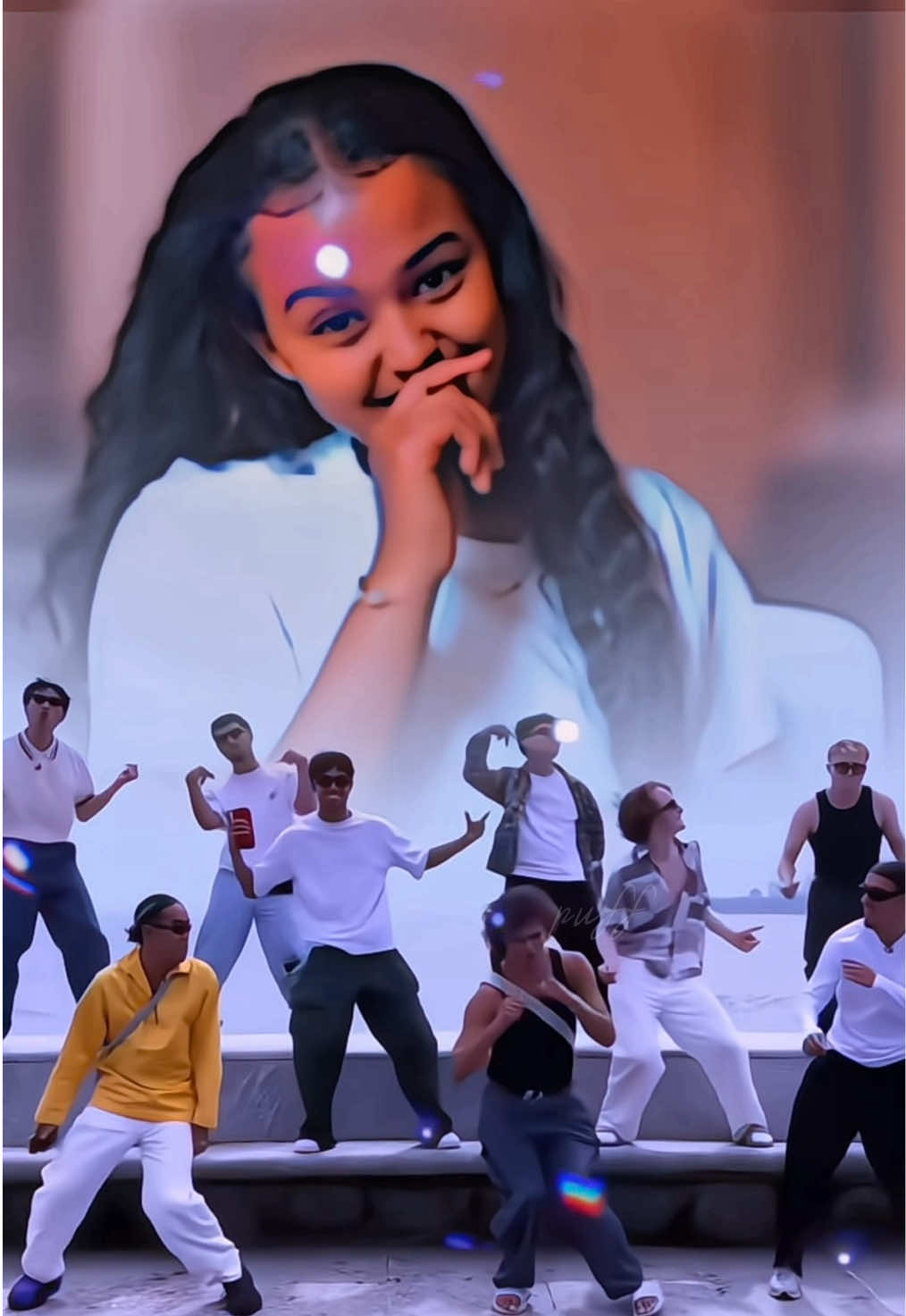
@sahar_edits3: Sultanim ❤️‍🔥 #yeralti #alsul #sultan #haydarali #turkish

sahar_edits3
sahar_edits3
Open In TikTok:
Region: SE
Wednesday 11 November 2026 21:36:46 GMT
13845
945
11
32

Music

Download

Comments

miriamor00
miriam🤍 :
We will do with the little they give us
2026-11-11 22:55:57
14
rihaaa014
Blue💙 :
2026-11-11 22:09:15
28
haiyatfiqi4
Aria :
😍😍😍
2026-11-11 22:01:09
4
bilenmezbilinmeyen6
unknown&1243 :
2026-11-11 22:23:36
1
lorenzomarlene6
Marlene :
2026-11-11 22:27:25
0
amir_aa60
Amiraa 💗🌸 :
2026-11-11 22:09:26
0
leylaa.921
4leyla.edits :
2026-11-11 23:03:33
0
rihaaa014
Blue💙 :
2026-11-11 22:09:19
4
nade6943
NADE :
🥰🥰🥰
2026-11-11 22:04:50
0
rubyga8
Ruby G A :
[Fuego][Corona]
2026-11-11 23:13:47
0
To see more videos from user @sahar_edits3, please go to the Tikwm homepage.

Other Videos

How is this kind of effect made? You only need to upload one photo to get the same result. The whole process is very simple. Now I will guide you step by step. First, click on the “Template” in the bottom left corner. If you can’t find it, click on my avatar. Find this video and tap to enter it. Locate this template. Click on “Use template”. Then click again and select the photo you like. Wait a few seconds — the image will be generated automatically. Finally, click “Export” and everything will be done. Comment créer ce type d’effet ? Il vous suffit de télécharger une seule photo pour obtenir le même résultat. Le processus est très simple. Je vais maintenant vous guider étape par étape. Tout d’abord, cliquez sur « Template » en bas à gauche. Si vous ne le trouvez pas, cliquez sur mon avatar. Recherchez cette vidéo et appuyez pour y entrer. Trouvez ce modèle (template). Cliquez sur « Use template ». Puis cliquez à nouveau et sélectionnez la photo que vous aimez. Attendez quelques secondes — l’image sera générée automatiquement. Enfin, cliquez sur « Export » et tout sera terminé. كيف يتم إنشاء هذا النوع من التأثير؟ كل ما عليك فعله هو تحميل صورة واحدة للحصول على نفس النتيجة. العملية بأكملها بسيطة جدًا. الآن سأرشدك خطوة بخطوة. أولاً، انقر على “Template” في الزاوية السفلية اليسرى. وإذا لم تتمكن من العثور عليه، فانقر على صورتي الشخصية (Avatar). اعثر على هذا الفيديو واضغط للدخول إليه. ابحث عن هذا القالب (Template). انقر على “Use template”. ثم انقر مرة أخرى واختر الصورة التي تعجبك. انتظر بgضع ثوانٍ — سيتم إنشاء الصورة تلقائيًا. وأخيرًا، انقر على “Export” وسيكون كل شيء جاهزًا.#capcut #capcutpioneer #capcutforus #aifilter #fyp

About